The Best 2-Player Browser Games to Play with Friends Online (No Download)
Find the best styles of 2-player browser games for co-op teamwork, friendly competition, shared-keyboard play, and instant online fun.
Looking for a quick gaming session with a friend without the hassle of multi-gigabyte downloads, updates, or installations? Whether you want to cooperate to beat a tricky level or fiercely compete for the high score, browser-based gaming has evolved far beyond simple retro pixels. Today, high-performance HTML5 technology makes multiplayer and local 2-player sessions smoother than ever.
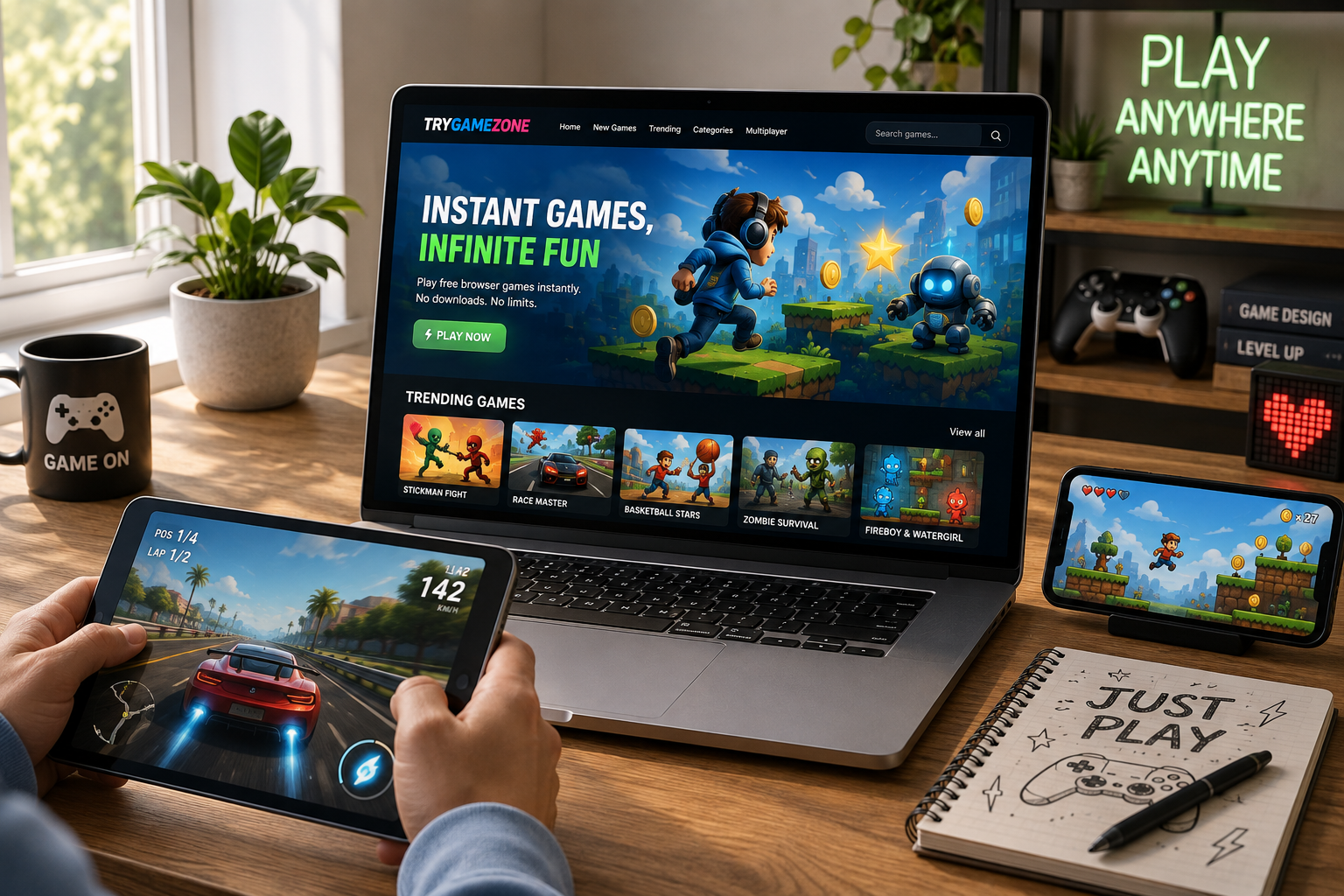
For players browsing TryGameZone, finding the right game to share can be tough with hundreds of options available. This guide covers the best categories and styles of free 2-player browser games you can launch instantly from your web browser.
In This Article
Why 2-Player Browser Games Are Gaining Massive Popularity
Playing games together used to mean sitting side-by-side with split-screen controllers or coordinating large client downloads across separate PCs. Modern web technology changes that completely.
Choosing a browser-based 2-player game on platforms like TryGameZone offers distinct advantages:
- Zero Friction: Click a link, load the tab, and start playing within seconds.
- Cross-Device Accessibility: With an internet connection and a modern web browser, you can jump in from laptops, desktops, and compatible tablets.
- No Installation Required: Browser games can launch directly in the browser, so you do not need to install a large game client first.
Top Styles of 2-Player Games You Can Play Instantly
Depending on whether you are sitting next to a friend sharing a keyboard or challenging someone through an online multiplayer mode, certain genres stand out.
1. Cooperative (Co-Op) Puzzle & Action Games
Perfect for duos who prefer teamwork over rivalry. These titles require communication and synchronized timing to clear obstacles, unlock doors, or escape hazard-filled maps.
Best for: Building teamwork and solving tricky mechanics together.
2. Competitive Arcade & Sports Duels
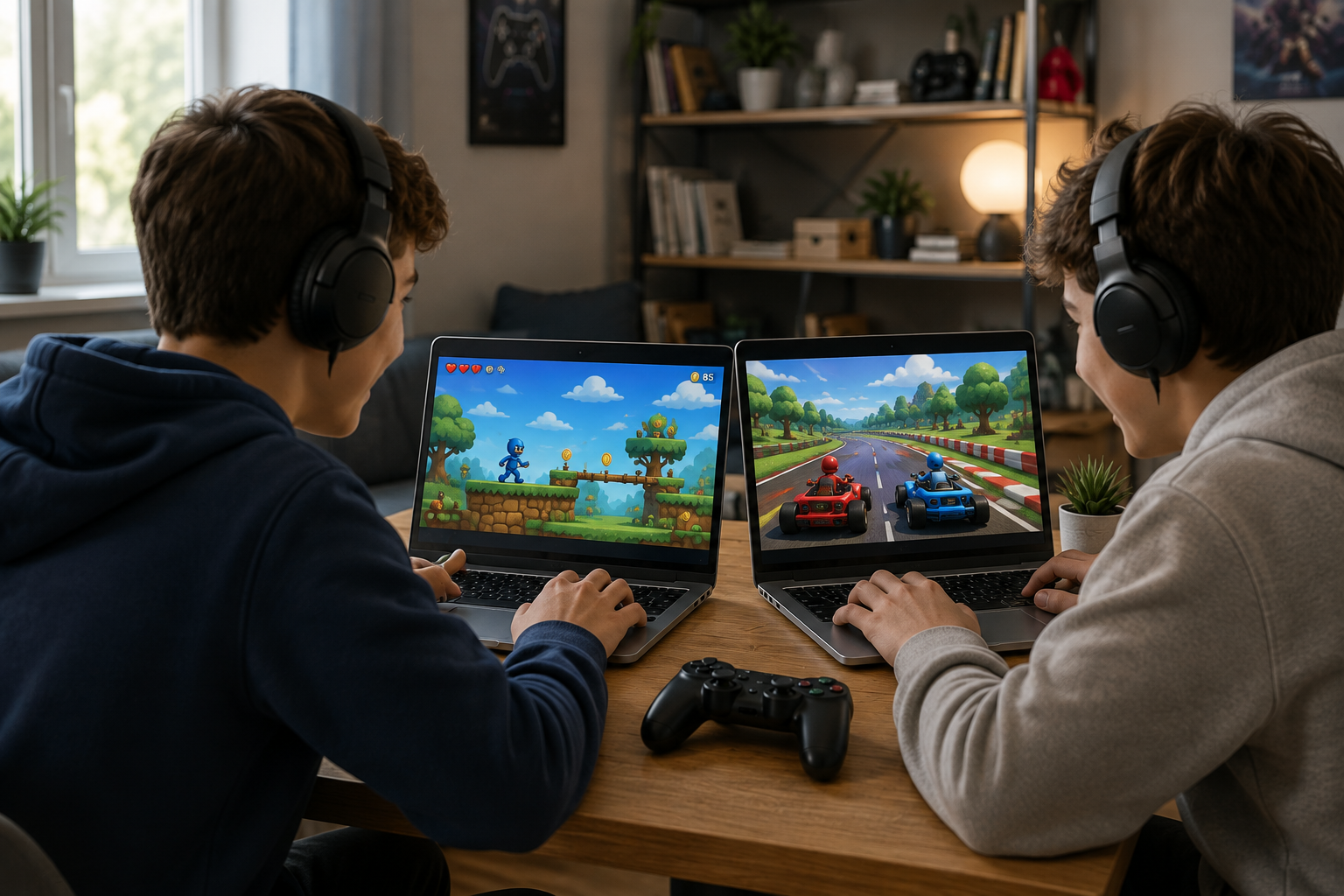
If you prefer head-to-head competition, fast-paced sports games, arcade fighting games, and tank battles can provide instant adrenaline. Many local multiplayer games support shared-keyboard controls, with one player using WASD and the other using the Arrow Keys.
Best for: Quick, intense matches and friendly rivalries.
3. Turn-Based Strategy & Brain Teasers
For players who enjoy slower, tactical thinking, turn-based games let you take your time and try to outsmart your opponent step-by-step.
Best for: Players who value planning and strategy over fast reflexes.
Co-Op vs. Competitive: Which Mode Should You Choose?
When opening a gaming portal with a friend, choosing the right mode helps make sure you both want the same kind of session.
- Choose Co-Op If: You want a relaxed, humorous session where winning or losing is shared. Cooperative games reward communication and teamwork.
- Choose Competitive If: You thrive on leaderboards, quick reflexes, and bragging rights. Competitive 2-player matchups bring intense energy in short, bite-sized rounds.
How to Start Playing on TryGameZone
Jumping into a game with a friend on TryGameZone takes only a few steps:
- Navigate to the Multiplayer category on TryGameZone.
- Browse titles that support shared-keyboard or online multiplayer play.
- Click your chosen game to open its game page.
- Review the on-screen controls, identify the Player 1 and Player 2 keys when applicable, and start playing.
Find a Game for Two
Ready to play together? Browse Multiplayer Games, check Trending Games, or discover something new in New Games.
Frequently Asked Questions
Do both players need an account to play 2-player games on TryGameZone?
No account registration or login is required for games that are available for instant play on TryGameZone. You can open a game page and start playing.
Can we play 2-player games using a shared keyboard?
Yes. Many browser games are designed for local 2-player action and can map one player to WASD and the other to the Arrow Keys. Controls vary by game, so check the instructions shown on the game page or in the game itself.
Are these 2-player games free?
TryGameZone focuses on free-to-play browser games that can be launched without a traditional game download. Individual game features and third-party content can vary, so always check the specific game page.